X Apprentus running in: staging Last Revision: 93e0449 APPRENTUS_NEXT: 1 Ruby version: 3.1.7 Rails version: 7.2.3.1 Node version: v22.11.0

Discover the Best Private Computers & Electronics Classes in Slough

For over a decade, our private Computers & Electronics tutors have been helping learners improve and fulfil their ambitions. With one-on-one lessons at home or in Slough, you’ll benefit from high-quality, personalised teaching that’s tailored to your goals, availability, and learning style.

Find Your Perfect Teacher

Explore our selection of Computers & Electronics tutors & teachers in Slough and use the filters to find the class that best fits your needs.

Contact Teachers for Free

Share your goals and preferences with teachers and choose the Computers & Electronics class that suits you best.

Book Your First Lesson

Arrange the time and place for your first class together. Once your teacher confirms the appointment, you can be confident you are ready to start!

0 Teachers your wish list
|
zoom in iconzoom out icon

9 computers & electronics teachers in Slough

play iconVideo

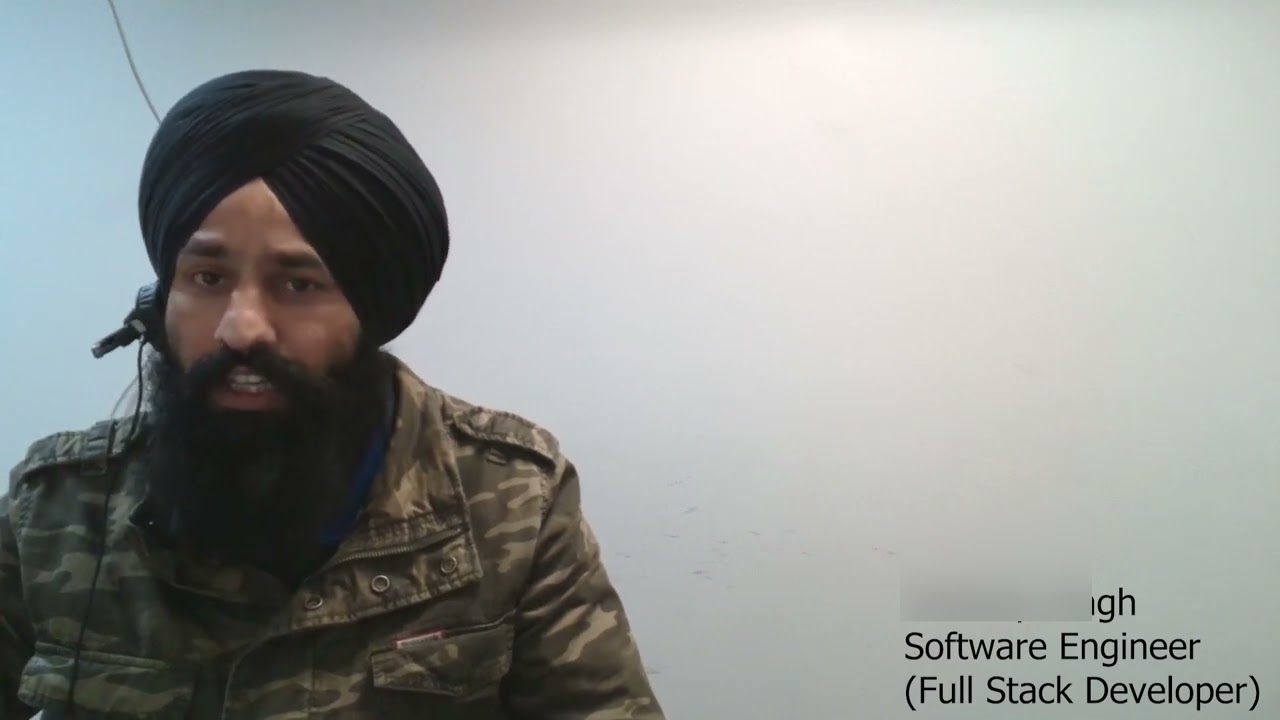
Pardeep

verified teacher icon
£41

60-min

/h

trusted teacher iconTrusted teacher

"Photoshop Mastery: Unleashing Your Creative Potential"Translate this text using Google Translate.

"Photoshop Mastery: Unleashing Your Creative Potential"Translate this text using Google Translate.

Unlock the full potential of Adobe Photoshop with our comprehensive course designed for beginners and intermediate users alike. Whether you're a photographer, graphic designer, or just someone eager to enhance your digital skills, this course is your gateway to becoming a Photoshop pro. What You'll Learn: Introduction to Photoshop: Navigate the Photoshop workspace with confidence. Master essential tools and features for efficient editing. Image Editing Fundamentals: Learn professional photo editing techniques. Enhance color, contrast, and sharpness for stunning visuals. Layer Mastery: Understand the power of layers for non-destructive editing. Create complex designs with ease using layer styles and blending modes. Digital Manipulation: Explore advanced retouching techniques. Transform ordinary images into extraordinary works of art. Text and Typography: Design eye-catching text and typography for various projects. Utilize filters and effects to make text elements pop. Graphics and Illustrations: Create custom graphics and illustrations from scratch. Master the pen tool for precise and scalable designs. Automation and Workflow Optimization: Save time with automation tools and batch processing. Streamline your workflow for efficiency and productivity. Why Choose Our Course: Hands-On Projects: Apply your skills with real-world projects and build a professional portfolio. Expert Guidance: Learn from industry professionals with years of Photoshop experience. Interactive Learning: Engage in discussions, Q&A sessions, and peer feedback for a dynamic learning experience. Lifetime Access: Get access to course materials and updates for a lifetime. Who Is This Course For: Photographers Graphic Designers Digital Artists Content Creators Anyone seeking to enhance their Photoshop skills Join us on this exciting journey to unlock the full potential of Photoshop. Enroll now and transform your creative vision into reality!

Video thumbnail
Play icon
Pardeep's video

Matt

£34

60-min

/h

1-on-1 Fusion 360 Tutoring for 3D Printing - Turn Your Ideas into RealityTranslate this text using Google Translate.

1-on-1 Fusion 360 Tutoring for 3D Printing - Turn Your Ideas into RealityTranslate this text using Google Translate.

Have you ever found the perfect 3D model online, only to realize it’s just a little too small, or missing a hole you need? Or maybe you have a brilliant idea for an invention, a custom bracket, or a replacement part for your house, but you have no idea how to design it from scratch? AutoDesk Fusion 360 is one of the best solutions for beginners, hobbyists and even professionals when it comes to learning the basics of Computer Aided Design (CAD). Fusion 360 is also free to use for students or for personal use, making it easily accessible to anybody who knows how to use a computer. Our 1-on-1, beginner-friendly tutoring skips the confusing training and teaches you exactly what you need to know to make awesome, real-world objects using a 3D printer. Opening Fusion 360 for the first time can feel like sitting in the cockpit of a spaceship—there are just too many buttons. Instead of just memorizing what the buttons do, you will build real-world skills through practical, print-focused milestones. Here is exactly what you will learn to do inside Fusion 360: What You’ll Learn to Create (Step-by-Step) We don't do boring, repetitive exercises or fill in workbooks. You'll learn by making real things every session using our on-site Bambu Lab printers! Here is what you’ll be able to do: 🛠️Design Custom Replacement Parts Learn how to measure a broken item in your house (like a plastic clip, a battery cover, or a knob) with a pair of calipers and recreate it perfectly on your screen. No more throwing things away just because a small plastic piece snapped. This give you an opportunity to learn why the original part broke and how you can make a more functional part of your own. 📐Make "Smart" Models That Resize Instantly Learn the magic of making a design that adapts. You’ll create a project—like a storage box—where you can change one number (like the width), and the rest of the box automatically updates itself without ruining your work. You can reuse your own designs over and over for different projects. 🧩Design Parts That Fit and Move Together Learn the secret to designing moving parts. We will show you exactly how much "breathing room" (clearance) to leave between plastic parts so that hinges swing, drawers slide, functional threads and lids snap shut without getting stuck. 🔩Mix Plastic with Real Hardware Learn how to design perfect holes for metal screws, slots to drop in hex nuts, and spaces for bearings. Plastic unfortunately can't do everything, but with a bit of help from off the shelf parts, you can make your models and prints work with some very novel advantages sometimes not even possible in traditional manufacturing. ✂️"Remix" Existing 3D Files (STLs) Take those files you download from websites like Thingiverse or Printables and learn how to actually change them. You'll learn how to cut parts off, stretch shapes, or add your own text and logos to existing models. Make anything fit your purpose and modify parts.

Keith

verified teacher icon
£26

60-min

/h

trusted teacher iconTrusted teacher

Offering Computer Science or IT classes for anyone interested!Translate this text using Google Translate.

Offering Computer Science or IT classes for anyone interested!Translate this text using Google Translate.

I have had a passion for Computer Science and IT ever since I first studied it in school. I then decided to further pursue this at a degree level at the University of Nottingham. What particularly intrigued me about the subject area was solving problems and learning to understand interesting topics that form the basis of the technological evolution currently happening globally. From studying it so rigorously, I have become well accustomed to the requirements needed for students to succeed. Often the mathematic, and logical concepts can seem challenging when initially grasping an understanding in the field. This prompted me to start tutoring students for the past 3 years and develop explanations and teaching styles that are adaptable to each students learning style. I have lots of revision tips, lesson plans and resources that are up to date with the current curriculum! I like to plan lessons by covered each topic in depth, and covering any difficulties that students might focus. I regularly like to hold mini-test style questions to ensure the information is consolidated, and follow with exam paper review sessions to ensure that students are ready for their exams. Although my focus has been on students that are studying for a particular exam, I have also built up experience in tutoring adult learners that are wanting to develop their general IT skills so do feel free to reach out!

paperclip

Meet even more great teachers.

Try online lessons with the following real-time online teachers:

Brent

verified teacher icon
Recently active
Recently active
5.0

3 reviews

(3)

£35

60-min

/h

trusted teacher iconTrusted teacher
student icon
6Students

📊 Stress-free Excel: Learn Exactly What You Need At Your Own Pace!Translate this text using Google Translate.

📊 Stress-free Excel: Learn Exactly What You Need At Your Own Pace!Translate this text using Google Translate.

Stuck in Excel? Want to finally understand how those formulas really work? Do you need to create a pie chart of your expense report for work or school, but feel completely lost? Don’t worry! I’m here to help... at your pace, with no jargon or complicated explanations. Whether you: - are starting completely from scratch, - already have some basic knowledge, - or want to solve a specific problem, we’ll tailor the session to your needs. No one-size-fits-all course, just practical help that actually works for you. 👨‍🏫 About me I’ve been using Excel since I was a teenager — for personal use (like budgeting tools or calorie trackers) and professionally as part of my work and studies in data analysis. Thanks to my experience and structured approach, I explain Excel in a clear and understandable way. I know how frustrating it can be when something technical doesn’t work... and how satisfying it feels when it finally clicks. 🎯 Topics we can cover - Smart formulas (IF, VLOOKUP, INDEX, MATCH, etc.) - Creating charts, pivot tables, and dashboards - Using Excel for budgeting, planning, or managing projects - Data analysis and basic programming in Excel - Preparing for Excel tests or improving job-related Excel skills 💻 Practical info - Having your own laptop/PC is helpful, but not required - Online or in-person sessions possible - Have specific questions or files you’d like to work on? Let me know! I also have my own practice materials. Feel free to send me a message with your question or goal. I’ll gladly look at how I can help you out!

PreviousShowing results 1 - 9 of 91 - 9 of 9Next

Our students from Slough evaluate their Computers & Electronics teacher.

To ensure the quality of our Computers & Electronics teachers, we ask our students from Slough to review them.

Only reviews of students are published and they are guaranteed by Apprentus. Rated 4.9 out of 5 based on 158 reviews.

“ Baia was instrumental in helping my daughter prepare for the OMPT-F exam. From the very first lesson, she was organized, knowledgeable, and focused on the areas that mattered most for success on the test. What sets Baia apart is her ability to explain complex mathematical concepts in a simple, structured way while building confidence at the same time. Her engineering background gives her a deep understanding of mathematics and allows her to explain not only how to solve problems, but also why the concepts work. She provided targeted practice materials, mock exams, and clear guidance on the key topics that carried the highest impact. Baia was always responsive to questions between lessons and consistently went above and beyond to ensure my daughter was fully prepared. Thanks to her support, my daughter developed a much stronger understanding of mathematics and a more positive attitude toward the subject. She now approaches challenging problems with far more confidence than before. I highly recommend Baia to anyone preparing for the OMPT exams, university mathematics, or looking for a patient, knowledgeable, and highly effective math tutor. ”

“ I recommend Khalil without a doubt to anyone looking to improve his/her German level in both writing and speaking. He is a very professional, structured and knowledgeable teacher. He was able to immediately evaluate my level of German during the very first lesson and adjust the teaching methodology and materials accordingly. I am truly impressed with his patience and dedication towards teaching the proper German pronunciation with all its complexities and difficulties as well as the proper rules when it comes to grammar and language. We also had lessons using Skype which is also a good option for those who have a limited amount of spare time or are too far apart from the teacher. It is obvious that Khalil loves what he is doing and is willing to put all his effort into his passion. I wholeheartedly recommend Khalil for anyone wanting to learn the language. ”

“ I was able to get 20 out of 20 from my Excel exam in university, thanks to our classes with Mr Salah. I had 0 knowledge on excel before but after learning and exercising with Mr Salah, I got the maximum grade on my exam. Finally now, I really feel confident about my Excel knowledge, all thanks to Mr Salah. I would really recommend it to anyone who has problems with Excel. ”

To ensure the quality of our Computers & Electronics teachers, we ask our students from Slough to review them.

Only reviews of students are published and they are guaranteed by Apprentus. Rated 4.9 out of 5 based on 158 reviews.

Map
Map